
Electrode Check
Electrode Contact Surface Analysis
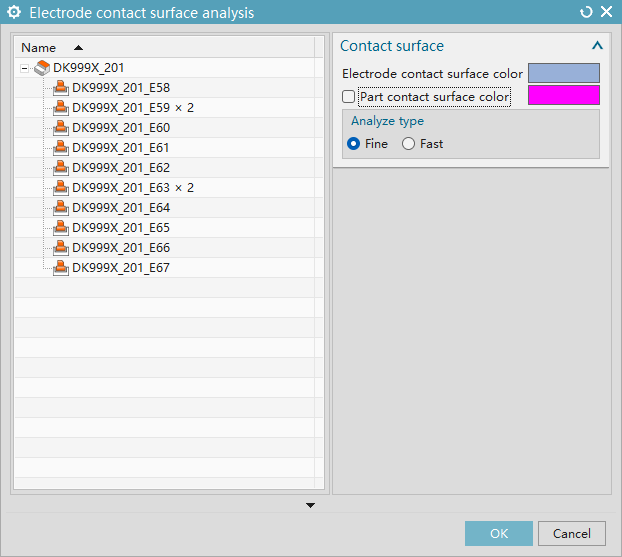
- Electrode Contact Surface Analysis: Analyze the cavity surface (mold cavity side) of the electrode and the discharge surface of the workpiece
- Electrode Contact Surface Color: Display the color of the electrode’s cavity surface (supports system parameters to define default color ID)
- Part Contact Surface Color: Define whether to color the part’s contact surface (supports system parameters to define default color ID) Analysis Type: Select "Precision Priority" or "Speed Priority"
Electrode Matrix Check
Select the electrode solid, then choose rotation or translation to adjust its placement.
- Rotation: Set the rotation angle.
- Translation: Set the distance and direction.
- Preview: Inspect the result before confirming.
- Copy: Keep the original solid and create a new one. With Copy off, the new result replaces the original.